Store onboarding in guided steps
Restaurant Technology
Turn every table into a smart ordering point.
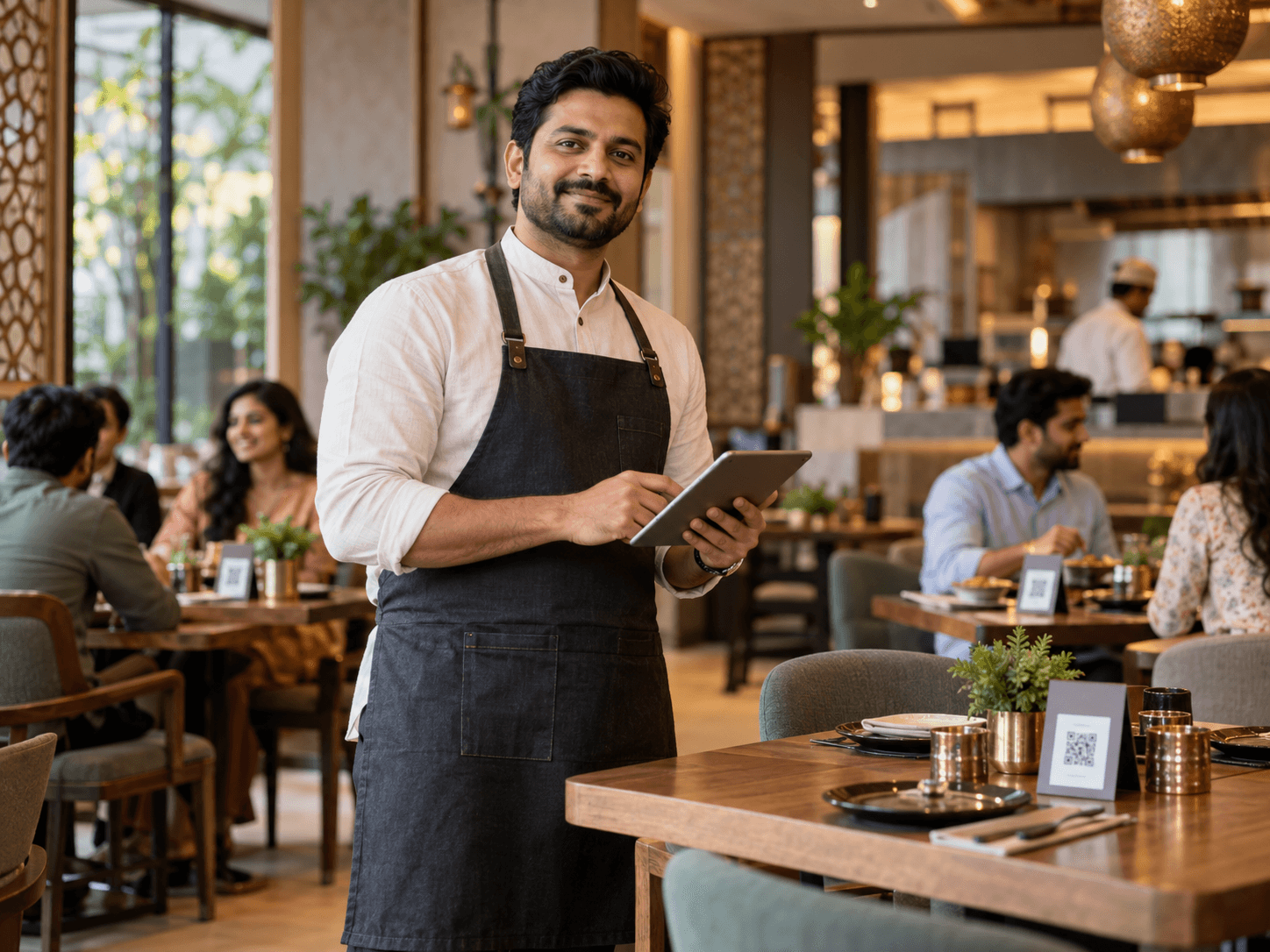
Dine On Click helps restaurants, cafés and hotels bring digital menus, table QR ordering, live kitchen workflows, payments and customer tracking together in one lightweight system. Customers scan a QR code and order in their mobile browser, without installing an app or creating an account.
No app downloadCustomers scan and order in their mobile browser.
Guest-first checkoutCustomer login stays optional.
Dine On ClickA mobile-first QR menu and ordering platform for restaurants, cafés and hotels.
Common QR or table-specific QR
Live order status and kitchen flow
UPI QR, payment proof and review
Designed around the actual ordering journey
Beautiful menus customers can actually use.
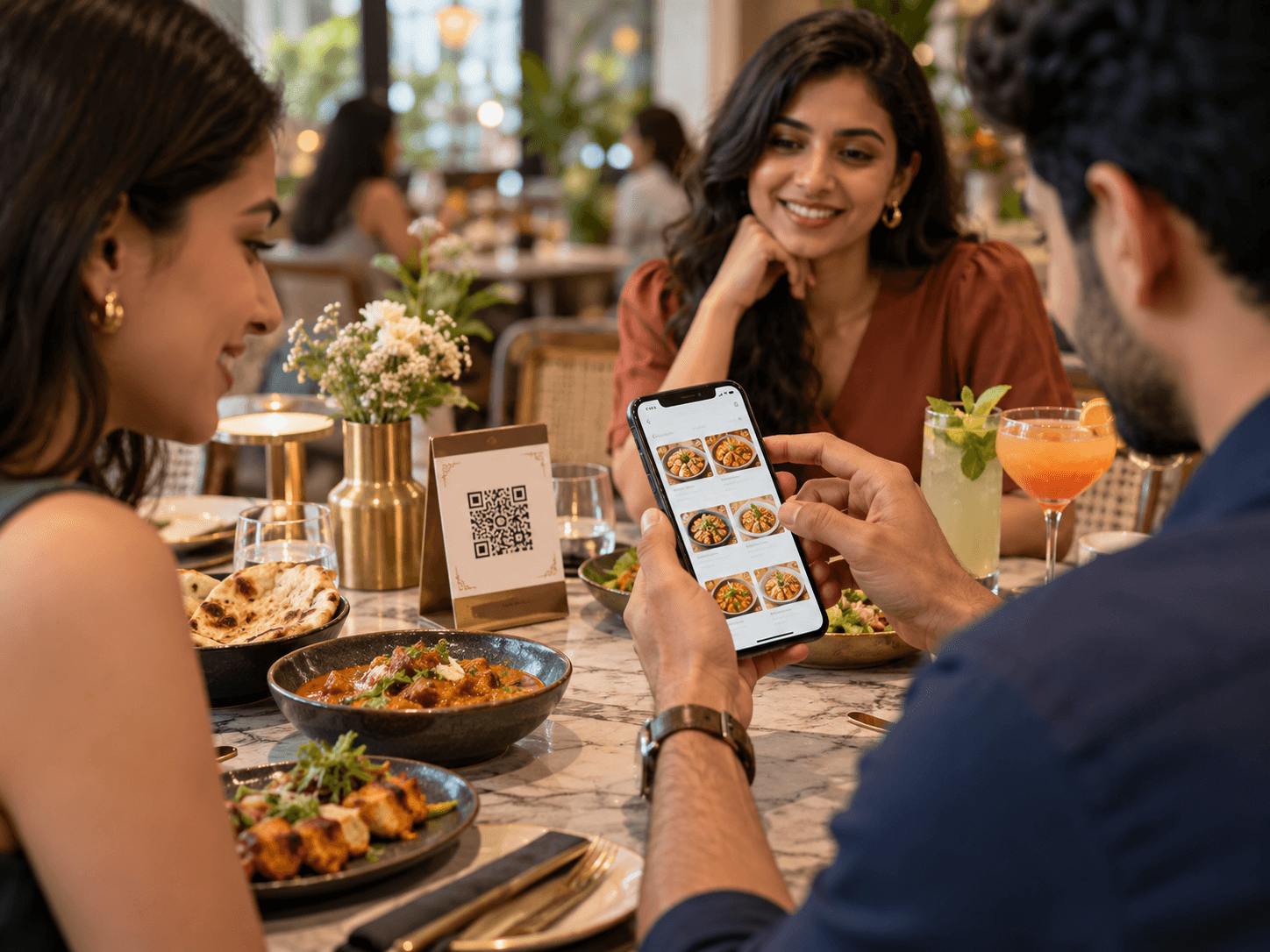
Categories, search, dietary filters, variants, add-ons, images, availability and special instructions are organized for mobile, helping customers browse the menu, customize an order and add it to their cart.
Digital menu that feels familiar
Customers can search and filter menu items, choose variants or add-ons, and add selections to their cart.
Guest ordering built in
Customers can order as guests. Store accounts remain optional for customers who want account access.
Catalogue control for the store
Manage menu categories and items, and temporarily mark an unavailable item without deleting it.
Customer order placement
One digital menu. Three ways to order.
Use the same menu for dine-in, takeaway and home delivery. Each restaurant can enable the order modes that fit its service model.
Order from the table
For dine-in service, a table-specific QR can identify where an order came from. A shared store QR is also available.
- Table-specific or common QR
- Dine-in ordering from the table
- Order status updates as it is prepared
Takeaway order
Customers can place an order without a table and follow its status while it is prepared for pickup.
- No table required
- Order prepared for pickup
- Customer can check when it is ready
Home delivery order
When delivery is enabled, customers can order remotely through the same menu and store workflow.
- Remote menu access
- Customer contact and delivery details
- Order reaches the store workflow
The restaurant stays in control: enable the order modes that fit the store and its service model.
Start free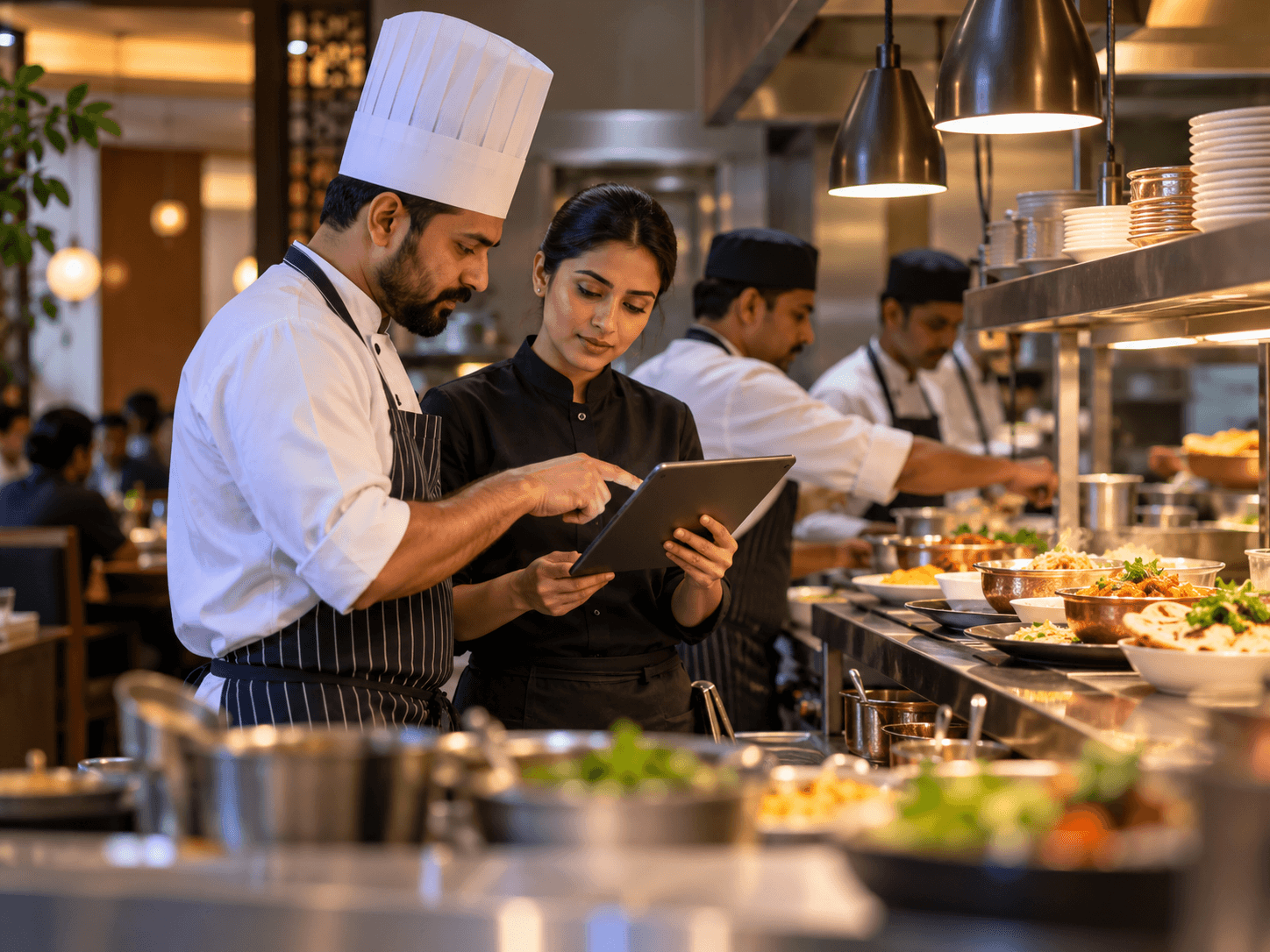
From scan to service
Go live in four clear steps.
- 1
Create your store
Add store details, opening hours, contact number and order preferences.
- 2
Build your menu
Add categories, items, variants, add-ons and menu images.
- 3
Print your QR
Create one QR code for the store or individual codes for each table.
- 4
Receive and manage orders
Review orders and move them through the live kitchen workflow.
Built for restaurant operations
Your team can run it from a phone.
Dine On Click is a lightweight ordering and fulfilment system rather than a full POS. Store operations include menu availability, table-aware orders, kitchen updates, payment review and customer order status.
- Mobile-first store dashboard
- Quick item availability controls
- Table-aware orders
- Live kitchen status board
- Payment status and proof review
- Customer order tracking
Customers can place their first order without an account.
Orders move through placed, accepted, preparing, ready and served.
Customers can revisit stores they have used before.
One lightweight system for the full flow
QR scan, menu browsing, cart, guest checkout, WhatsApp sharing, order tracking, kitchen updates and payment handling stay connected.
Payments and confirmations
UPI-ready checkout, with proof when you need it.
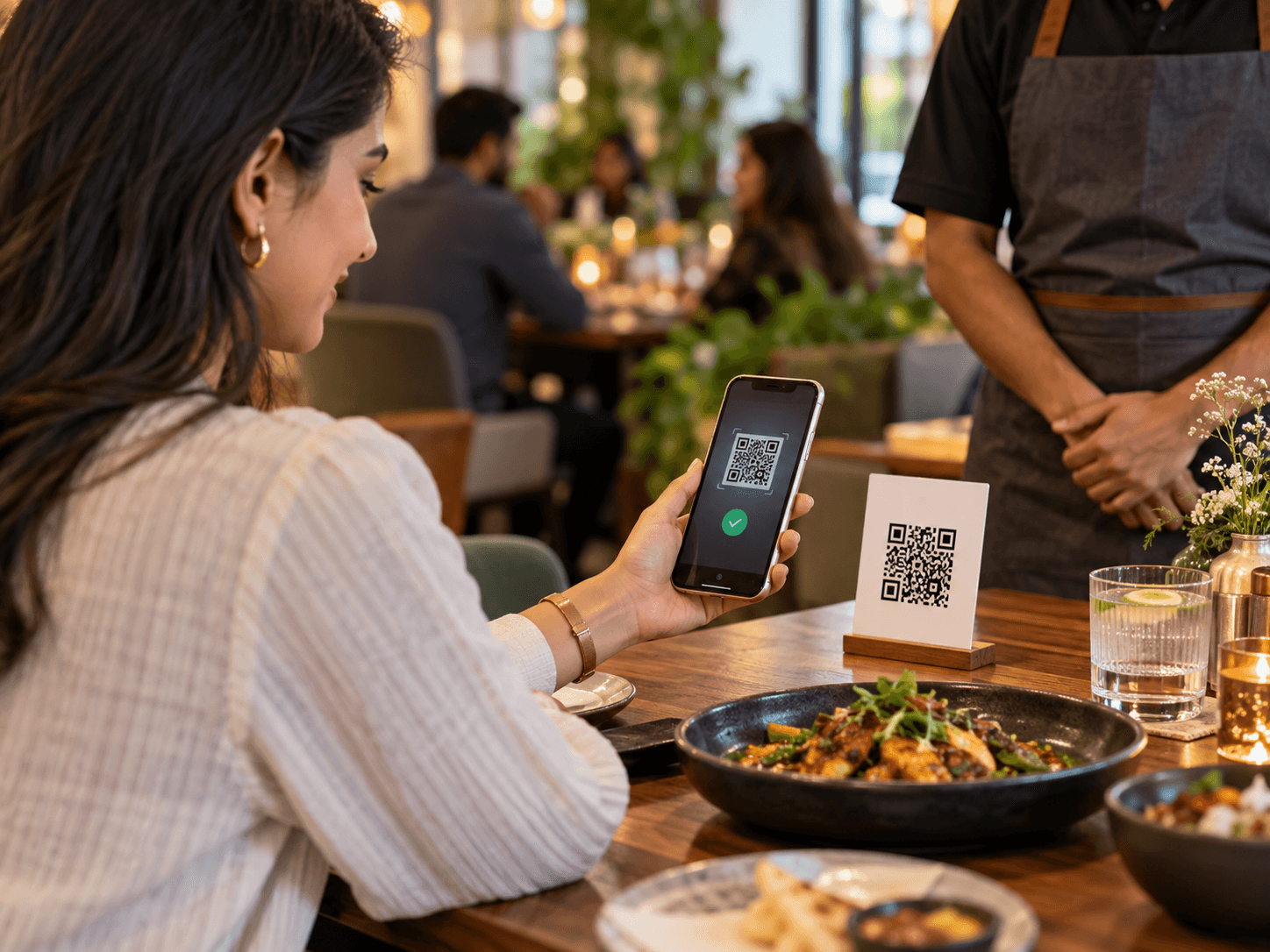
A restaurant can show a UPI payment QR after an order and, when it chooses to require payment first, ask the customer to submit transaction proof before releasing the order into the kitchen queue.
Payment QR after order success
Customers can use the displayed UPI QR to make a payment.
Optional proof submission
Transaction ID, an optional screenshot and a customer note can be submitted for review.
Store-side payment review
When proof is required, the store can review it before accepting the order.
Simple plans, clear limits
Start small. Scale when you need to.
The Free plan has no subscription fee and includes the core digital menu and ordering experience. Paid plans are available when a business needs higher limits or additional features. The official site does not publish plan prices in this overview.
For many restaurants, the Free plan supports everyday digital menu and ordering operations.
Run your core ordering flow for free
- 1 store
- Digital menu
- Table QR
- Live kitchen board
- Customer ordering
- WhatsApp sharing
- Payment QR and proof
For regular QR ordering
- Larger catalogue
- Live kitchen board
- Customer ordering
- WhatsApp sharing
- Payment QR and proof
For growing restaurant brands
- Custom branding
- Higher or custom limits
- Customer accounts
- Advanced feature access
- Future branding controls
About the company
Dine On Click is supported by Bihar Techno Group.
The product helps restaurants, cafés and hotels modernize menu access and ordering with a practical, mobile-first system. Contact Bihar Techno Group for product inquiries, implementation support or business discussions.
- Address
- House No. 1, First Floor, Road No. 16, Rajiv Nagar, Patna, Bihar 800024
- Phone
- +91-9990300349
- Office hours
- Mon-Fri 11:00 - 05:00
Frequently asked questions
Questions before you go digital?
Here are the things restaurant owners usually want to know first.
Is Dine On Click really available for free?
Yes. The Free plan is completely free and includes the core digital menu and ordering experience. Paid plans are available when a business needs higher limits or additional features.
Which customer order types can a restaurant accept?
Dine On Click can support dine-in orders from a table, takeaway orders and home delivery orders, depending on which order modes the restaurant enables.
Do customers need to install an app?
No. Customers scan the QR and use Dine On Click directly in their mobile browser.
Can I have a different QR for every table?
Yes. You can generate individual table QR codes or use one common QR for the entire store.
Can customers order without creating an account?
Yes. Guest ordering is built in. Customer accounts are optional and can be enabled by the store.
Can I require payment before accepting an order?
Yes. You can show a UPI payment QR and require transaction proof before the order is released into the kitchen queue.
Can I temporarily hide an unavailable item?
Yes. Items can be marked unavailable without deleting them from your catalogue.
Does Dine On Click replace my full POS?
The core product is intentionally lighter than a full POS. It focuses on QR menus, ordering, fulfilment, customer tracking and payments.
Ready when your next customer scans
Put your menu on every table.
Create your Dine On Click store and start building a digital menu. The Free plan has no subscription fee.